


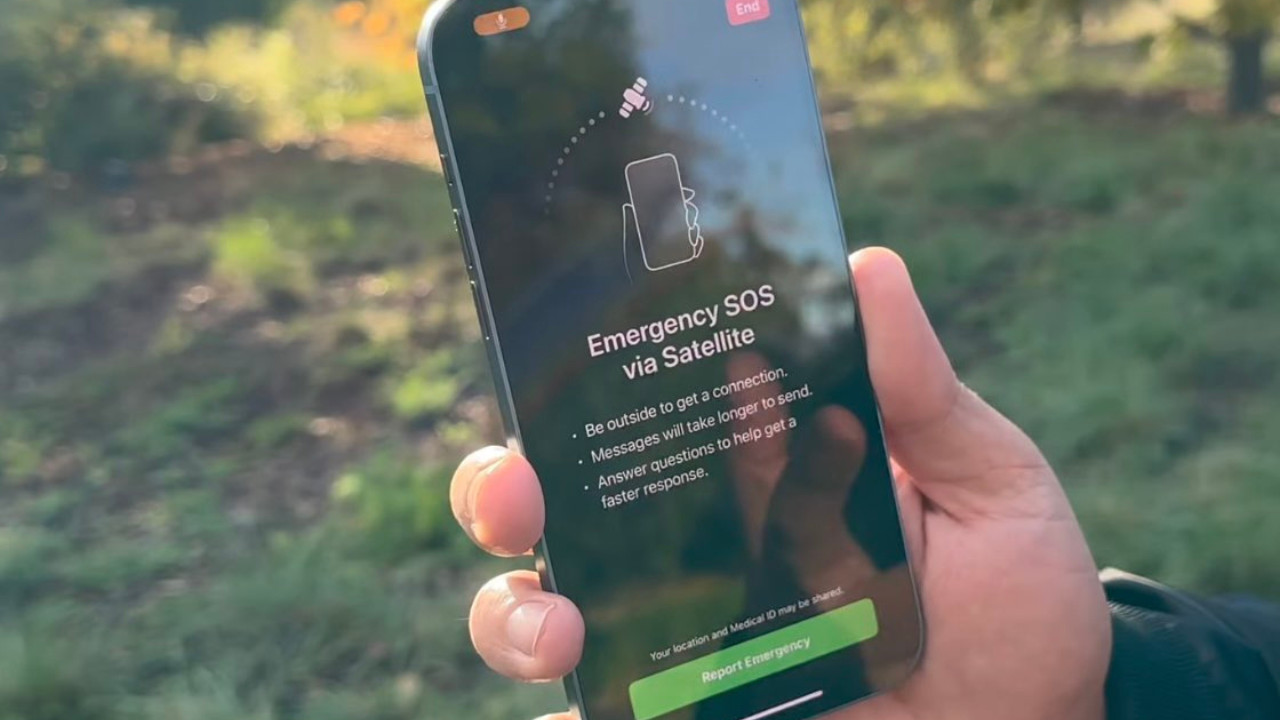
With the Emergency SOS feature, you can share your location and important information with your emergency contacts. (Image X @appltrack)
New Delhi: The disappearance of 800 people from the Delhi-NCR region in the first 15 days of 2026 is alarming. This means that more than 50 people are going missing every day. Most of them are women and children. In such a situation, you can turn on some essential settings on your phone and turn your smartphone into a safety shield.
Both iPhones and Android phones have these safety settings. This is called the Emergency SOS feature. With its help, you can share your location and important information with your emergency contacts.
iPhone users can keep the Emergency SOS settings on their iPhones enabled. Through this, they can share their location and other details by pressing the power button three times. To do this, you need to go to your iPhone's settings. Then:
- Turn on "Call with 3 Button Presses". This will automatically call emergency numbers with a loud sound when you press the power button three times.
- If you want the emergency call to be made silently when you press the power button three times, then also turn on "Call Quietly" located just below it.
- If you travel by car, turn on the "Call After Serious Car Crash" option on the same page. This automatically calls emergency contacts in case of an accident.
To call emergency numbers by pressing the phone's power button three times, it is essential that you have set up emergency contacts on your phone. To do this, on your iPhone, go to the Emergency SOS menu, then go to "Set up Emergency Contacts in Health" and set up all your necessary details along with the contacts you want to call in an emergency.
Android smartphone users should enable the Safety & Emergency settings on their phones. To do this, go to your phone's settings and click on the Safety & Emergency option. Next:
- Keep Emergency SOS enabled so you can contact your emergency contacts by pressing the power button three times.
- In the Emergency SOS settings, scroll down and also enable Call Emergency Services, Share info with emergency contacts, and Record emergency video.
- This will allow you to share as much information as possible with your emergency contacts.


Copyright © 2026 Top Indian News


