


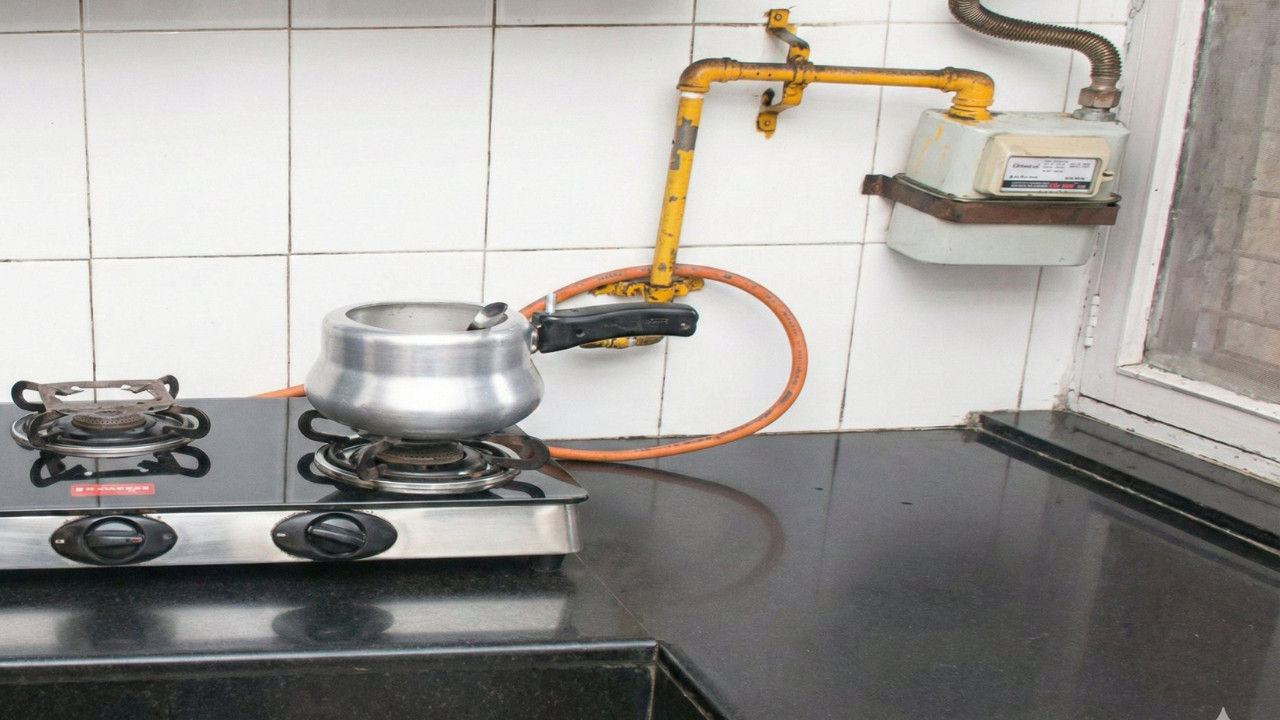
Know how to generate an accurate PNG bill from the comfort of your home. (Image X @ANI)
New Delhi: Troubled by errors in your gas bill? Here is how to generate an accurate PNG bill from the comfort of your home in just 2 minutes—without standing in line—and save money. Are you frustrated by discrepancies in your PNG gas bill? Now, you can generate an accurate bill yourself in a matter of minutes, right from your home. Learn the complete step-by-step process, what precautions to take, and how to avoid financial losses caused by incorrect billing.
The ongoing conflict between Iran and Israel has impacted the supply of LPG gas. Consequently, the price of gas cylinders has risen. Due to both the shortage of gas cylinders and their increased cost, people are rapidly shifting toward PNG (Piped Natural Gas) connections. The latest development, however, is that PNG users are also beginning to face various issues; specifically, complaints regarding incorrect billing and meter reading errors have surged. Given this situation, it is essential that you learn how to generate an accurate gas bill yourself, right from the comfort of your home.
Currently, the country is witnessing disruptions in the supply of LPG gas cylinders. In some areas, deliveries are delayed, while in others, people are forced to wait for several days to receive their cylinders. In response, the government is taking a significant step to provide relief to the general public. The government has appealed to citizens to switch to PNG connections. On Tuesday, the Ministry of Gas announced that approvals for new PNG connections should be granted within 24 hours. The government has directed state authorities to clear all new permissions related to PNG installations within a 24-hour timeframe. Here is a guide on how you can apply for a PNG connection from the convenience of your home:
Discrepancies in PNG gas bills can arise for several reasons. The most common cause is an incorrect meter reading—which is often generated based on mere estimates. Additionally, technical glitches or delays in updating data records can also contribute to these billing errors. Self-Billing is a feature that allows users to generate their own gas bills by manually entering their gas meter readings. The primary advantage of this system is that the generated bill is completely accurate, ensuring that no overcharging occurs.
Performing PNG Self-Billing is very simple and can be done using either your mobile phone or your laptop.
Step 1: First, open your gas company's official website or mobile app. Locate the option labeled "Self Billing" or "Submit Meter Reading."
Step 2: Next, log in by entering your Customer Number or CA Number. Now, enter the latest reading from your gas meter. Some companies may also request that you upload a photograph of the meter to verify the reading.
Step 3: After filling in all the required information, click on "Submit." Within a few seconds, your new and accurate bill will appear on the screen, which you can also download.
Exercising caution while performing Self-Billing is crucial. First and foremost, ensure that you enter the meter reading accurately and clearly. Second, avoid entering incorrect numbers in haste, as this could result in an erroneous bill. Third, if you are required to upload a photograph, ensure you take a clear image of the meter to prevent any errors. By keeping these small details in mind, you can easily generate an accurate bill.


Copyright © 2026 Top Indian News


