AI
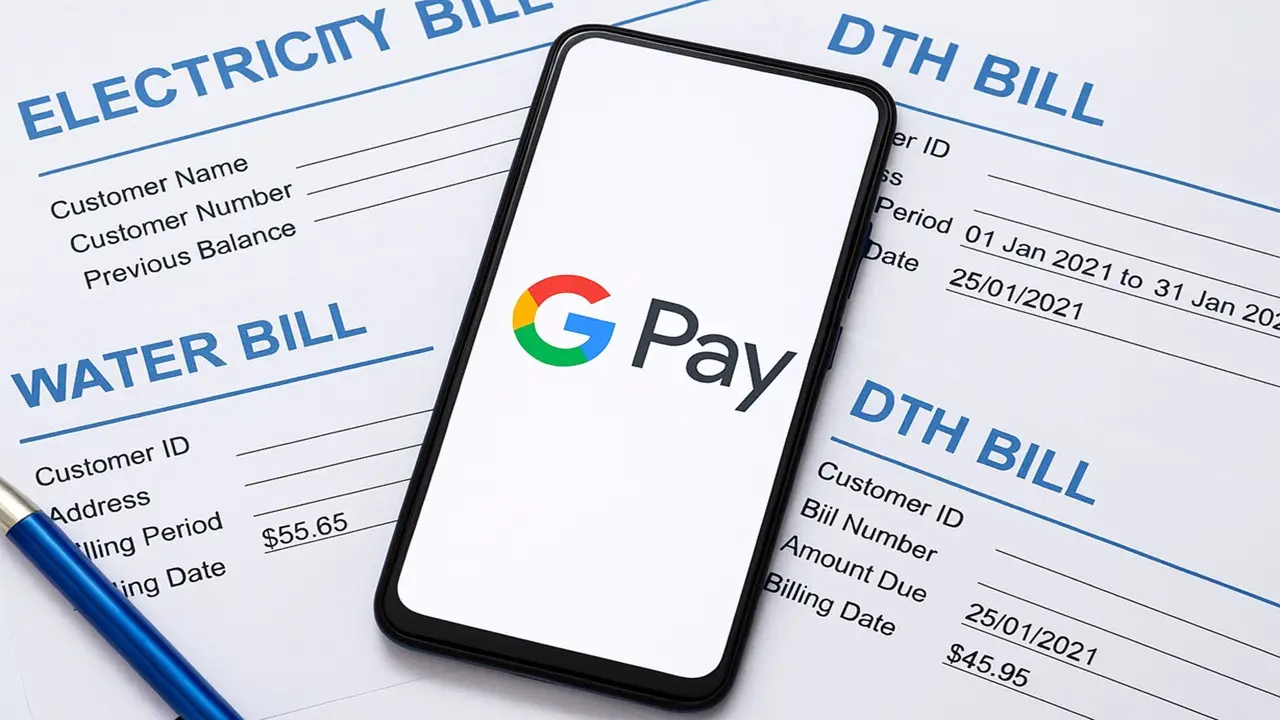
New Delhi: After the advent of digital payment apps, paying monthly bills like electricity, water, gas and DTH has now become very easy. Where earlier one had to stand in long queues, take handwritten receipts, and take time for verification, now the entire work is completed in a few seconds. The increasing popularity of billing and payment apps in India has not only made these everyday tasks faster but also more secure.
Now most of the utility services are connected to the digital payment system and these services have become a part of our daily routine, just like sending money through UPI or making payment through wallet.
Which apps are used the most?
Apps like Google Pay, PhonePe, Paytm, Amazon Pay and BHIM UPI have become the most common options for bill payments. Their interface is easy and the payment process is also not very cumbersome. Many apps also offer cashback, reward points or scratch cards on paying bills. Even though these rewards may be small, they can prove beneficial for users who pay multiple bills throughout the month.
Why is Google Pay the favorite?
Google Pay has a clean UI, making things easy to find and understand. Due to UPI support, payments are made instantly and the app also sends you auto bill reminders from time to time. Multi-bank support and the facility to view transaction history make it even better. This is why many people prefer GPay for bill payments like electricity, water or DTH.
If you also want to pay your utility bills on Google Pay, then you can follow the easy steps given below.
How to pay electricity/water/DTH bill on Google Pay?
Once the payment is successful, you will see a confirmation on the app. You also get a receipt and if you are eligible for the offer, you may also get cashback or rewards.
Keep in mind that it may sometimes take up to 3 business days for the payment to be updated in your utility provider's system.


Copyright © 2026 Top Indian News